

How to make art mockups: generator, Photoshop, Canva or a real photo

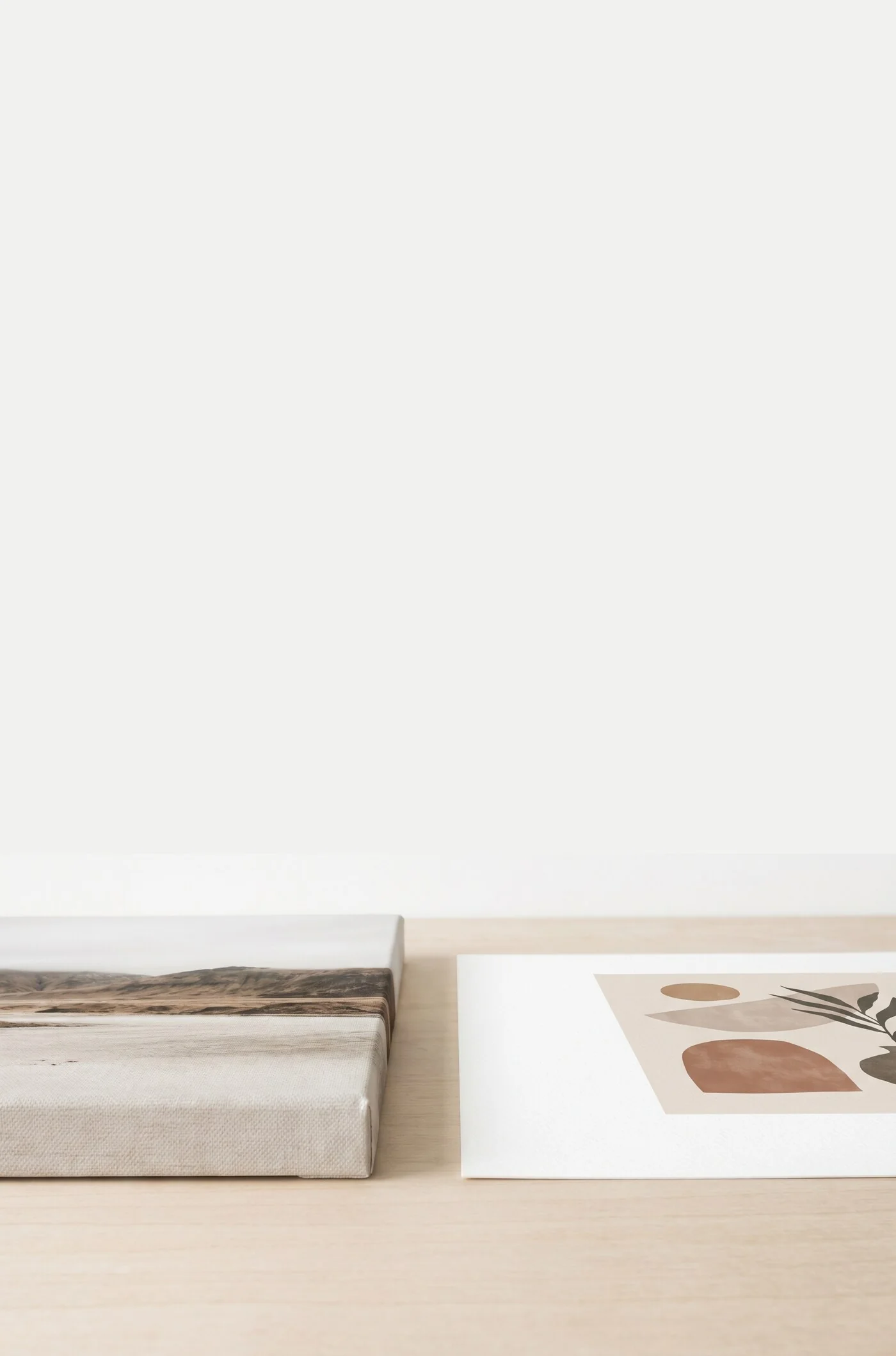
An art mockup is a picture that shows your artwork as a finished product: framed, on canvas, hanging on a wall in a room. There are three ways to make one. You can use an art mockup generator that places your file into ready-made scenes, you can edit a template yourself in Photoshop or Canva, or you can photograph a real print in a real room.
The generator is the fastest, the template gives you the most control, and the photo is the most convincing.
Why mockups sell art
A flat image of an artwork leaves the buyer with three open questions.
- Scale. "50x70 cm" means little to most people. The same print above a sofa tells them at once whether it fills the wall.
- Context. A buyer is choosing something for a room. Seeing the art with a frame, a wall color and furniture lets them judge whether it fits their home.
- Trust. A framed print in a room looks like a product that exists and can be delivered.
The methods compared
| Method | Skill needed | Time per image | Realism | Cost | Best use |
|---|---|---|---|---|---|
| Mockup generator | None | Under a minute | High, if the scenes are real photos | Free to low | Many listings, quick tests |
| PSD template with smart objects | Basic Photoshop | A few minutes | High, depends on the template | Template price plus software | A consistent shop look, full control |
| Canva frames | Low | 5 to 10 minutes | Medium, flat frames only | Free to low | Social posts, simple straight-on images |
| Photo of the real print | Photography basics | An hour or more per session | Highest | A sample print | Hero images, texture and detail shots |
How to use an art mockup generator
A wall art mockup generator does the perspective, shadow and scale work for you.
- Upload your artwork as a JPEG or PNG. Use the full-size file, so details stay sharp when someone zooms in.
- Pick the product: canvas or paper print. A canvas mockup should show the wrapped edge and depth.
- Choose the frame and, for paper, the mat. Only pick combinations you will sell.
- Choose the rooms. Match the scene to the art: a calm line drawing suits a quiet, pale interior, and a loud abstract can carry a darker wall.
- Check the size. A good generator renders the art at its true size against the furniture. If the tool lets you scale the art freely, compare it with the furniture: a three-seat sofa is usually around 200 cm (about 6.5 ft) wide.
Plenty of tools offer art mockups free in some form. Read what "free" covers first: some add a watermark, some limit resolution, and some keep downloads or most scenes for paying users.
How to make a mockup in Photoshop with smart objects
A PSD mockup template is a layered Photoshop file with a placeholder for your art. The placeholder is a smart object: a layer that holds its own small document and applies the template's perspective, shadows and reflections to whatever you put inside.
- Open the PSD in Photoshop, or in another editor that supports smart objects. Check this first, since many editors open PSD files but flatten the smart object.
- Find the placeholder layer in the Layers panel. Template makers usually label it "Your art here" or similar.
- Double-click the layer's thumbnail, or choose Layer, then Smart Objects, then Edit Contents. The smart object opens as a separate document.
- Paste or place your artwork and resize it to cover the canvas. Hold the aspect ratio while you resize.
- Hide or delete the template's sample image, then save and close the smart object document. The main file updates with your art in place.
- Adjust the extras most templates include, such as frame color, wall color or shadow strength, then export a JPEG.
Avoid stretching. If the template is made for a 2:3 print and your art is 4:5, do not squeeze it to fit. Use a template in your art's ratio, or crop the art the same way the real print will be cropped.
Reuse the same three or four templates for every artwork and your shop looks like one collection.
How to make a mockup in Canva
Canva has no smart objects, but it handles simple mockups.
- For a frame mockup, search the Elements tab for "frame", pick one with a real picture frame shape and drag your artwork onto it. The image snaps into the opening.
- For a room, upload a room photo you are allowed to use, or pick one from Canva's photo library, then right-click it and choose Set image as background.
- Place your artwork on the wall and resize it against the furniture so the scale is honest.
- Add a soft shadow: select the artwork, choose Edit, then Shadows. Keep it faint and on the side away from the window.
- Download as PNG or JPEG.
Canva's limit is perspective. An image you place by hand sits flat, so it only looks right on a wall photographed straight on. On an angled wall the art will look pasted in, because it cannot follow the angle of the room. Canva's Mockups app is the exception: it drops a design into ready-made mockup scenes, and on paid plans it can turn your own photo into a mockup template by detecting a surface in it. It works best on simple, flat surfaces. Canva's frames also crop your image to their shape, so check that nothing important is cut off.
Sell your art with Printumo
Get started with selling your art as canvas and fine art prints
How to make a mockup of a room with a real photo
A photograph of the actual print is the most convincing mockup, because the paper texture, canvas weave and frame corner are real.
- Order a sample print in your most popular size and frame.
- Hang it, or lean it on a shelf, in a room with good daylight. Shoot near a window, out of direct sun, with lamps switched off so the colors do not mix.
- Take one photo straight on, with the camera at the height of the print's center and the edges parallel to the picture frame.
- Take a second photo at an angle of roughly 30 to 45 degrees, which shows the depth of the frame or canvas.
- Take a close-up of the surface and one of a frame corner.
- Include one object that gives scale, such as a chair or a plant. Glass and plexiglass reflect, so stand slightly to the side.
What makes a mockup believable
- Correct scale. A 30x40 cm (12x16 in) print must not look like it covers half a wall. Measure it against the furniture in the scene.
- Matching aspect ratio. The art in the mockup should have the same proportions as the print you ship, with nothing cropped away or stretched.
- Consistent light. If the window is on the left, the shadow of the frame falls to the right and slightly down.
- A room that fits. The interior should not compete with the art for attention.
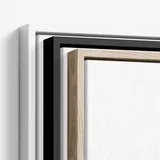
- A real frame and mat. Show the frame profile, color and mat width that the buyer will receive.
How many images a listing needs, and in what order
Five to seven images cover a wall art listing well. A reliable set looks like this:
- The art straight on, framed or unframed, on a plain background.
- The art in a room, to show scale.
- A second room in a different style.
- A close-up of detail and texture.
- The frame options side by side, or one image per frame.
- A size guide showing two or three sizes against the same furniture.
Whether image one is the plain artwork or the room scene is a choice. The plain version shows the art clearly in small thumbnails, and the room scene shows the product. Try both on a few listings and compare the clicks.
Image limits and recommended dimensions differ between Etsy, Shopify and other platforms, and they change, so check the current figures for yours. If Etsy is your main channel, this guide to selling art on Etsy covers the rest of the listing.
Honesty rules and licenses
A mockup is a promise about what arrives in the parcel.
- Do not show a frame, size, mat or paper you do not sell.
- Label digital mockups when your platform asks for it. Some marketplaces want to know whether the photos show the real item, so read the listing rules.
- Check the license of every third-party template and room photo. You need commercial use rights, and some free files are for personal use only or require credit.
Printumo's mockup generator
Printumo is a print-on-demand service for wall art, and its mockup generator is open to anyone. You upload one artwork without creating an account (JPEG, PNG, WebP or HEIC, up to 25 MB) and see it in photographed rooms, on canvas or on paper, with frames and mats. There is no watermark.
The mockups are made in the real frame, mat and size that Printumo prints, so the picture matches the product.
To keep the mockups you picked, you create a free account. You arrive on a draft product with your artwork and chosen scenes attached, ready for sizes and a price. Think of the generator as the first step of making a sellable print, since what you leave with is a draft product and not a folder of image files.
Plain studio backgrounds are free, and every room style has some free rooms. Most of the room library belongs to Printumo+, the optional paid plan, which also includes downloading mockups as full-size files. Inside the app, every product gets mockups made automatically, and the ones you pick become the listing photos in your connected store.
Frequently asked questions
Is there a free art mockup generator?
Yes, several tools let you make art mockups free, with different limits on watermarks, resolution, downloads and scenes. Printumo's generator needs no account to try and has no watermark, with a free account needed to keep the mockups you pick.
How do I make a mockup in Photoshop with smart objects?
Open the PSD template, double-click the thumbnail of the placeholder smart object layer, paste your artwork into the document that opens, then save and close it. Use a template with the same aspect ratio as your print so nothing is stretched.
Can I make a wall art mockup in Canva?
Yes, for simple images. Drag your art into a frame element, or place it on a room photo taken straight on, and add a soft shadow. Art you place by hand stays flat and cannot follow an angled wall, so use room photos shot straight on, or try Canva's Mockups app for ready-made scenes.
How do I make a mockup of a room look real?
Get the scale right against the furniture, keep the art's true proportions and make the shadow follow the room's light. Show only the frame and mat the buyer can order.