

Join 20,000+ happy users
AI upscaler for artists
Your next art print could start with a phone photo
Photograph your painting and upload it to Printumo. Our AI upscaler rebuilds it with up to four times the resolution, so it prints sharp on large canvas and fine art paper.


 Original
Upscaled

From phone photo to a sharp print
No scanner, no photographer and no editing software. Just your phone and a few minutes.
-
1
Photograph your artwork
A clear, evenly lit photo, taken straight on. Your phone is enough.
-
2
We check every print size
Upload it, and Printumo shows how sharp it will print at each size, from small to XXL.
-
3
Say yes to the upscaler
If the larger sizes would print soft, we offer to upscale your artwork. It is free on your first 3 products.
-
4
Print it big
When a print is ordered, we rebuild your artwork with more detail before it prints. Your original file is never changed.

Take a closer look
Drag the slider to compare a small file with the same file after our AI upscaler. Pick the kind of art you make.


 Original
Upscaled


 Original
Upscaled


 Original
Upscaled


 Original
Upscaled


 Original
Upscaled


 Original
Upscaled


 Original
Upscaled


 Original
Upscaled


 Original
Upscaled
Before you book a photographer, try your phone
Having a painting professionally photographed can cost more than the first prints earn. Start with a good phone photo. The AI upscaler adds the resolution a large print needs.
How to take a good photo of your artwork
- Shoot in daylight, near a window but out of direct sun.
- Turn the flash off, so the paint does not shine.
- Hold the phone straight in front of the artwork, not at an angle.
- Let the artwork fill the frame, then crop away the edges.
- Use the main camera at full resolution, and do not zoom.
- Keep the phone still, or rest it on something, so the photo is sharp.
The upscaler adds resolution. It cannot fix a blurry, crooked or shiny photo, so a careful photo still matters.


Small screen. XXL possibilities.
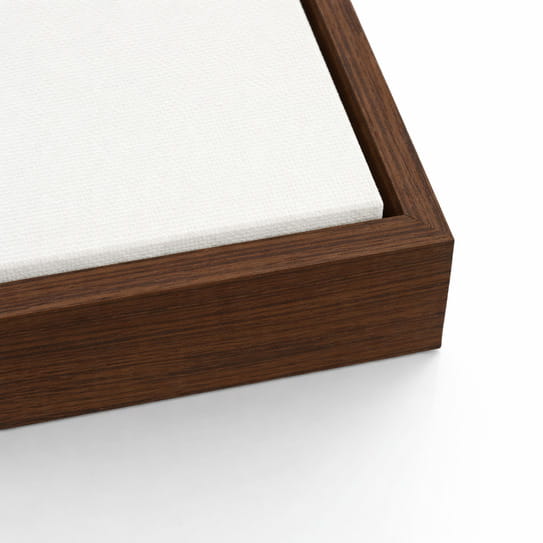
A phone photo holds more than you think. With the upscaler, it can carry a large canvas print, framed in dark oak if you like.
- Start with a clear phone photo
- See which sizes print sharp, before and after upscaling
- Choose canvas or fine art paper, framed or unframed

Your next print might already be on your phone
Go back through the photos of your paintings. A photo you thought was too small for a print may be big enough after upscaling.
Try it free. Then keep creating.
Free account
Try the upscaler on your own artwork.
$0 no monthly fee
- AI upscaling on your first 3 products
- A sharpness check on every print size
- Your original file is never changed
Printumo+
For artists who print a lot of their work.
$21.99 a month
- Upscale as many artworks as you like
- Download your upscaled artwork
- Every room mockup, and more tools for selling
- 7 days free to try it
Prints and shipping are paid when a print is ordered. Upscaling never adds to the price of a print.
Like the result? Choose your print
Canvas and fine art paper, printed when they are ordered and shipped straight to your buyer.


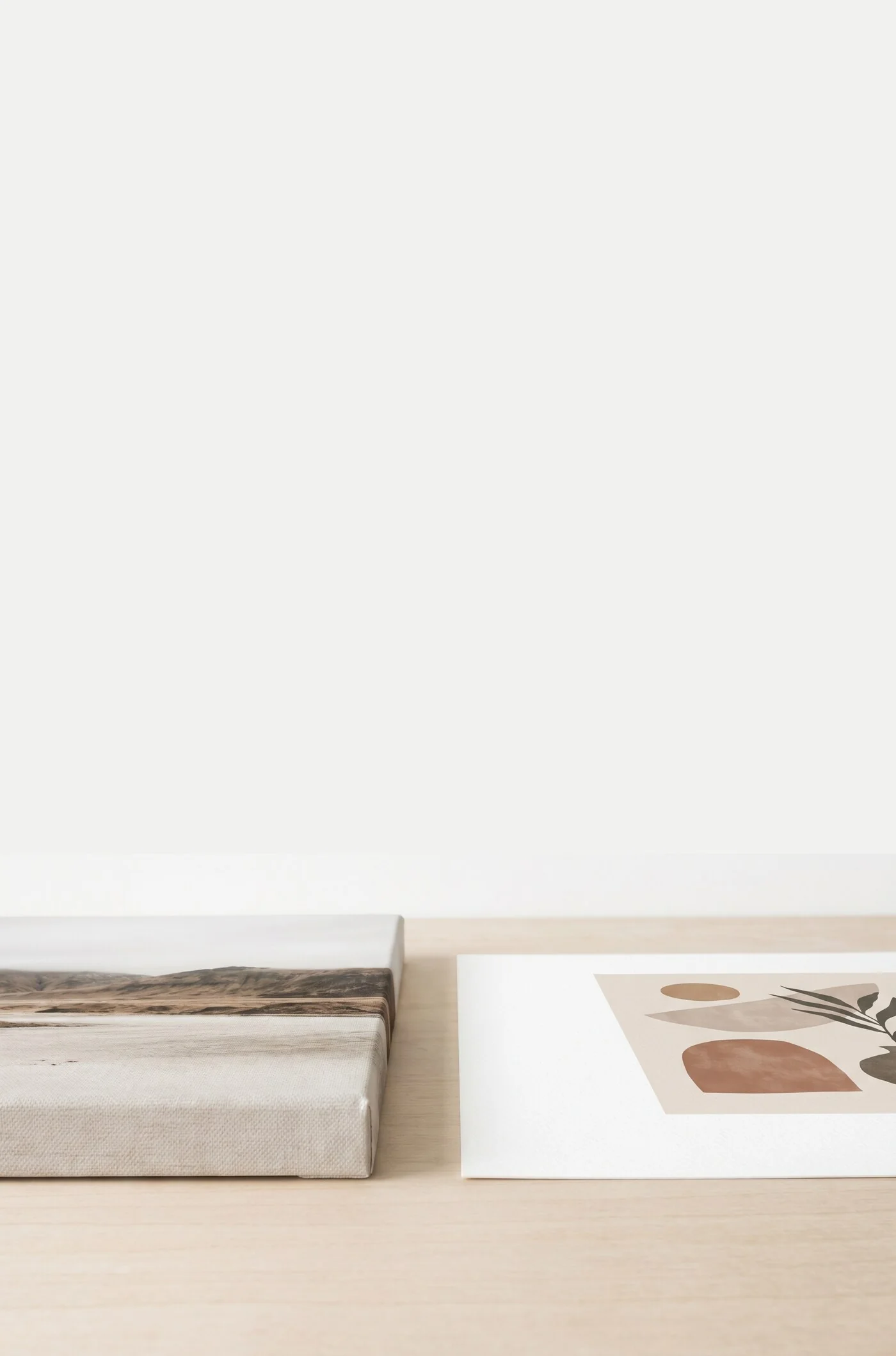
Canvas print
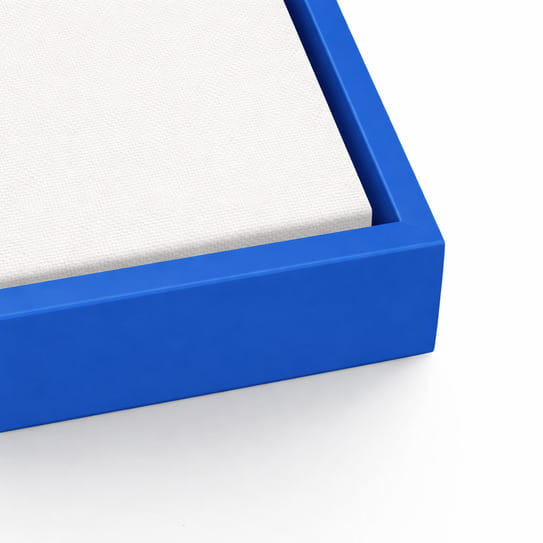
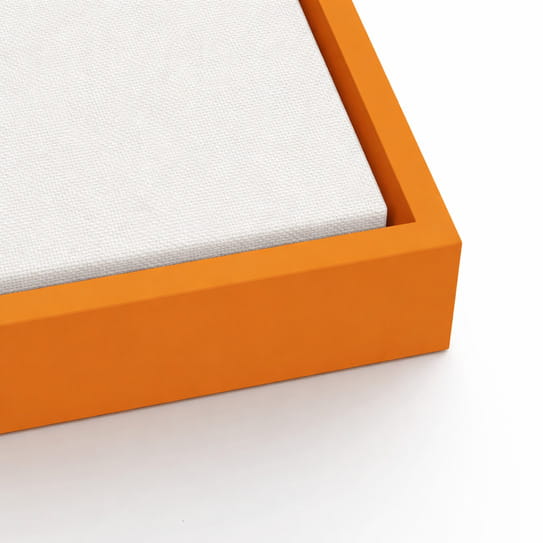
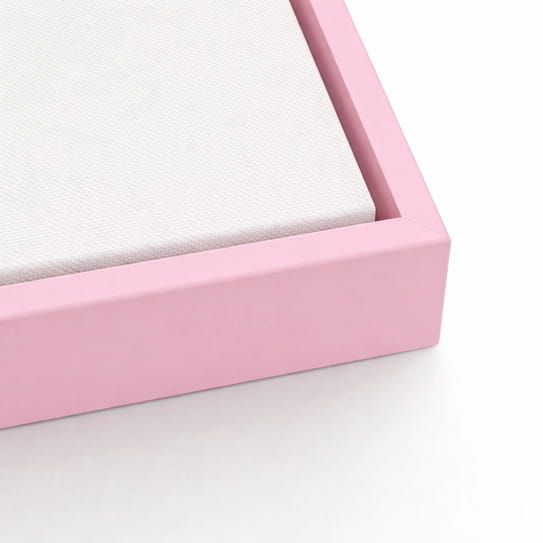
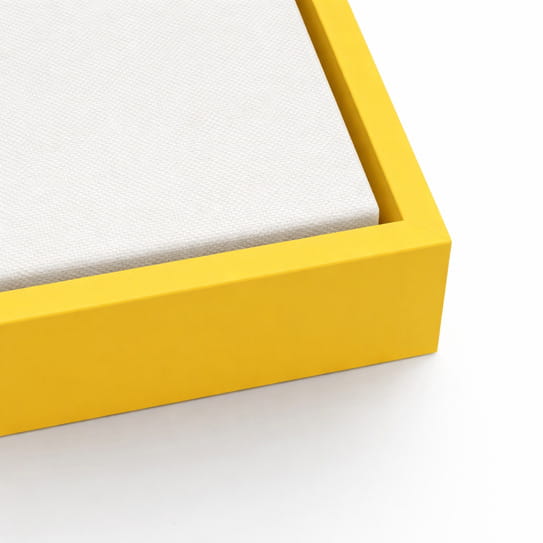
Hand-stretched canvas giclée prints, available stretched or framed and ready to hang.
Frames




Fine art paper print
Fine art museum-grade matte paper prints, available rolled or framed and ready to hang.
Frames


Passepartouts / Borders
Questions, answered
Yes. A recent phone takes photos with plenty of detail for a print, as long as the photo is sharp, evenly lit and taken straight on. The upscaler then adds the resolution larger sizes need.
It rebuilds your artwork with up to four times as many pixels in each direction. The AI fills in fine detail such as edges and paint texture, so a large print looks sharp instead of soft.
It should not. We chose an upscaling model that sharpens what is there rather than inventing new brush strokes, and the composition and colours stay the same. Your original file is never changed, and you can always print from it instead.
When you create a product, Printumo checks your artwork against every print size. If larger sizes would print soft, you are offered the upscaler. If your file is already sharp enough, nothing changes.
Each product you switch the upscaler on for uses one of the three. The artwork is rebuilt when a print of that product is ordered, and that costs nothing extra.
With Printumo+, yes. Each product gets an Upscale image button, and you can download the result. Without Printumo+, the upscaled artwork is used for your prints.
No. A Printumo account is free. You only pay for the prints that you or your buyers order.
That depends on your photo. Printumo shows a quality dot for every size, before and after upscaling, so you can see which sizes will print sharp before anything is ordered.
Those products keep their upscaling. For new products, you can start Printumo+ for $21.99 a month, with 7 days free, or keep printing from your original files.
See the difference on your own artwork
Start with a clear photo. Upload it, and we show you which sizes print sharp.